Choose a path.
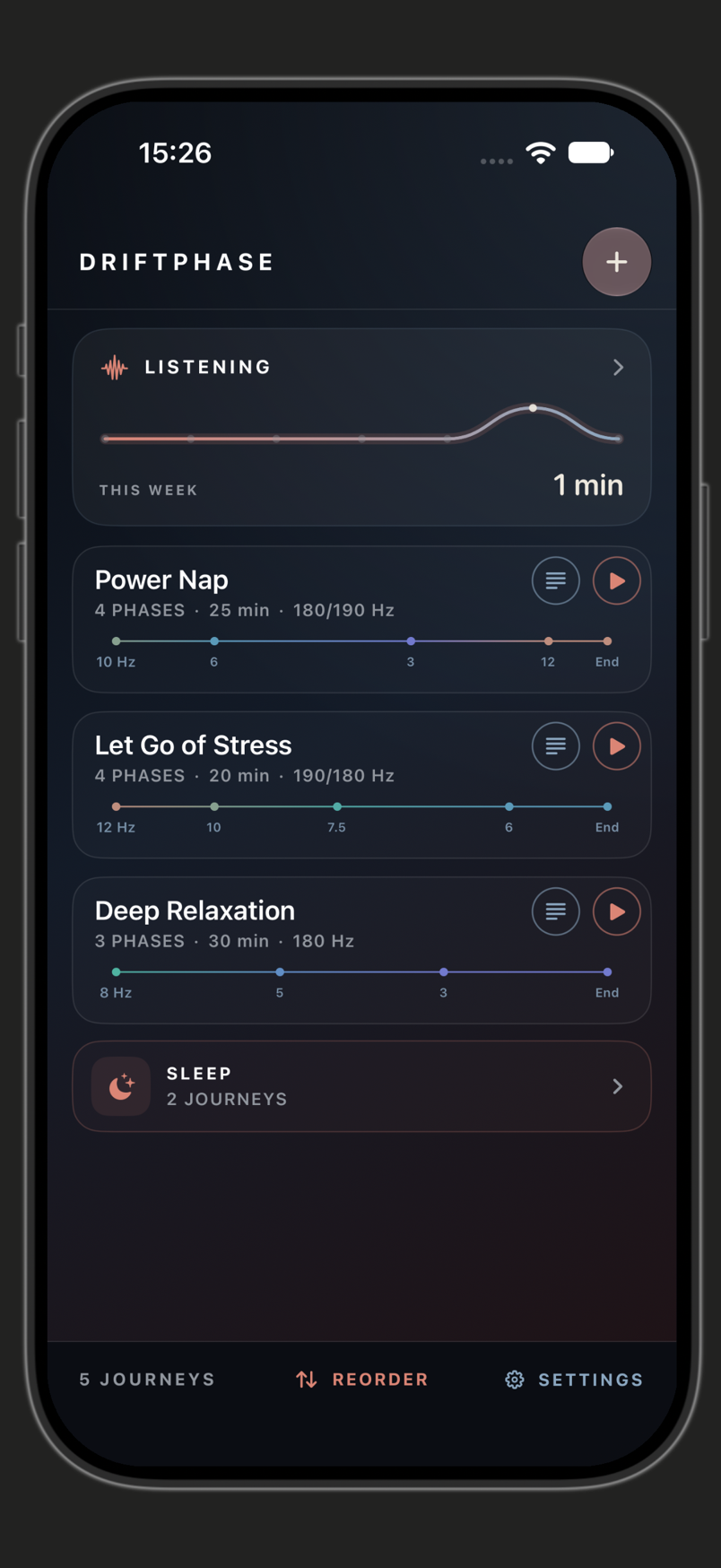
A small starter collection gives you somewhere to begin. Your library keeps the journeys you create and return to.
 DriftPhase by Paperfield
DriftPhase
YOUR OWN PATH THROUGH SOUND
Put on your headphones. Follow a path through sound.
Stay with it—or make it your own.
A LITTLE SPACE TO LISTEN
A journey can hold a moment, move gradually, and settle somewhere new. DriftPhase lets you listen to that shape—and decide what feels worth returning to.
Start with a journey. Add a little nature if you like.
The details can wait until you want them.
A CLOSER LOOK
A small starter collection gives you somewhere to begin. Your library keeps the journeys you create and return to.
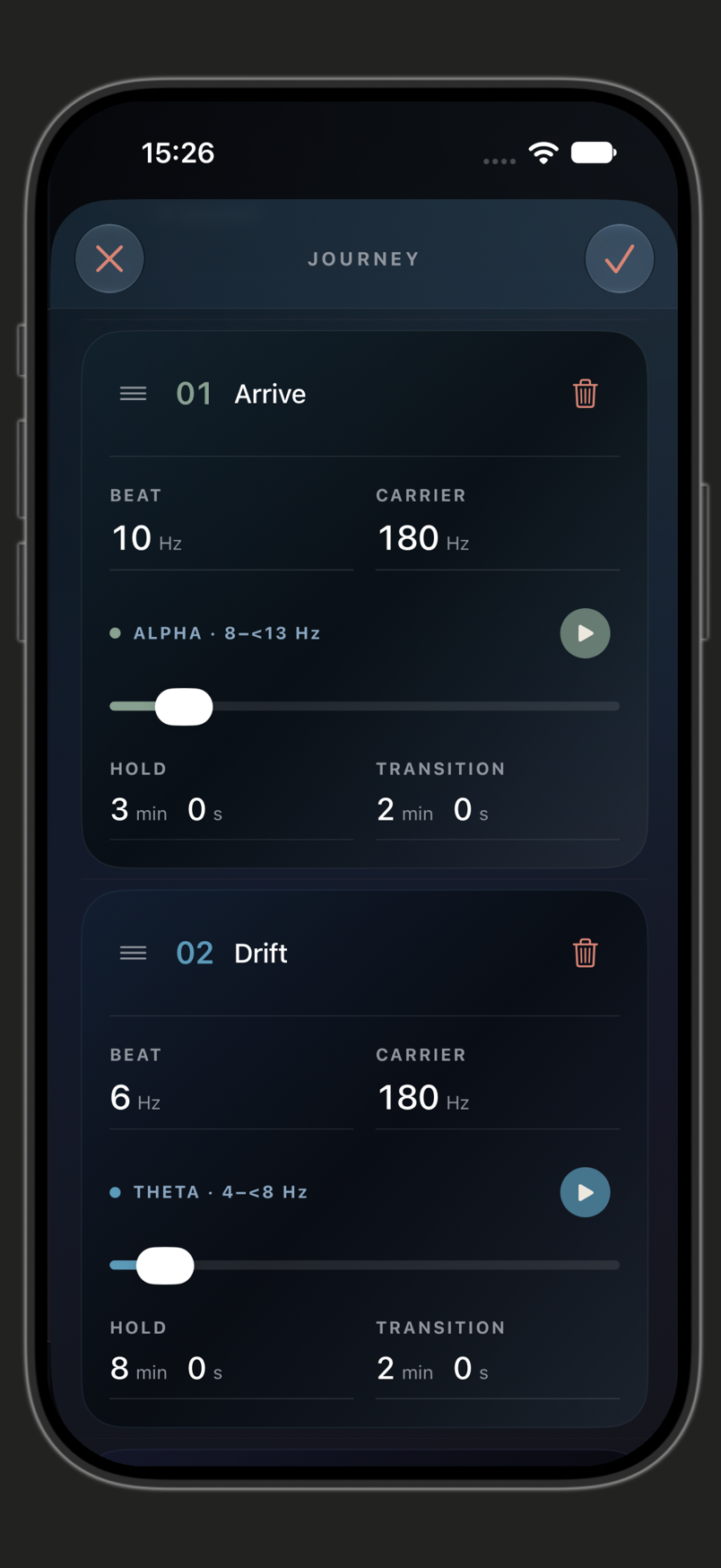
Arrange holds and transitions, adjust beat and carrier frequencies, and choose a fixed duration or an open final phase.
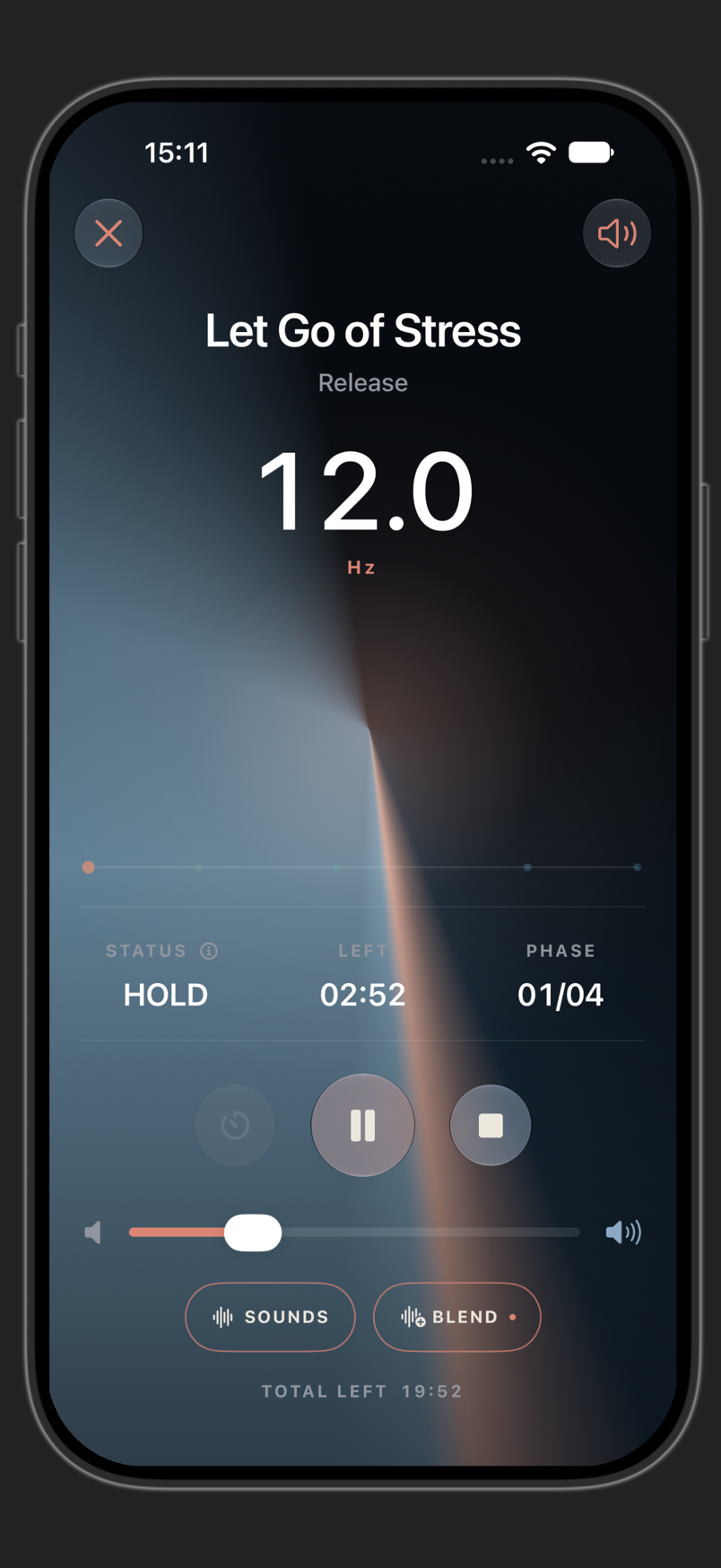
Follow the current phase in the player or Live Activity. Pause, resume, and add a nature recording with a separate level.
HOLD. CHANGE. ARRIVE.
You don’t have to build a journey to enjoy one. When you want to explore, the editor puts the phases in your hands.
Set the beat and carrier frequencies for each phase. Choose how long it holds, how gradually it changes, and arrange the phases into your own journey.
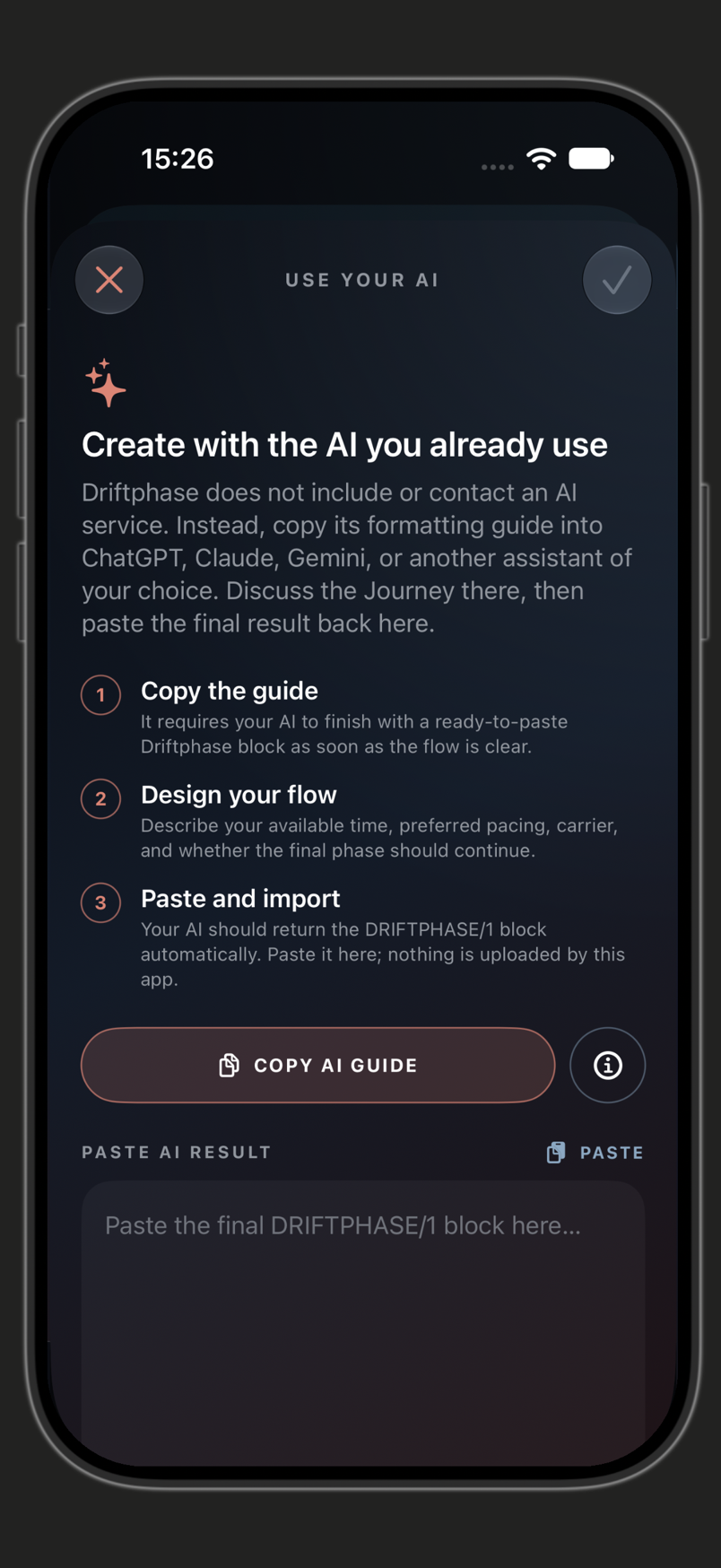
ANOTHER WAY TO CREATE
Explore a journey with the assistant you already use, then bring the result into DriftPhase.
Copy the formatting guide from DriftPhase into an assistant of your choice. Describe your journey there, then paste the final DRIFTPHASE/1 block back into the app to import it.
THOUGHTFUL DETAILS
Organise journeys into folders. Export your library as a backup, and restore it through a validated import. Cloud sync is not part of the current app.
Blend in a nature recording without losing control of the binaural journey. Nature follows the same pause, stop and recovery behaviour.
QUESTIONS & SUPPORT
The left and right channels contain tones with a frequency difference. The editor calls this difference the beat frequency and lets you shape it over time.
Stereo headphones keep the left and right channels separate for binaural listening. Keep the listening level comfortable.
Not currently. Your library stays local, with explicit backup and restore.
DriftPhase is our current launch focus. A confirmed App Store link, price and final requirements will be added before launch.
PREPARING FOR LAUNCH
DriftPhase is the focus of our next launch. Download details will appear here when they’re confirmed.